Custom Actions
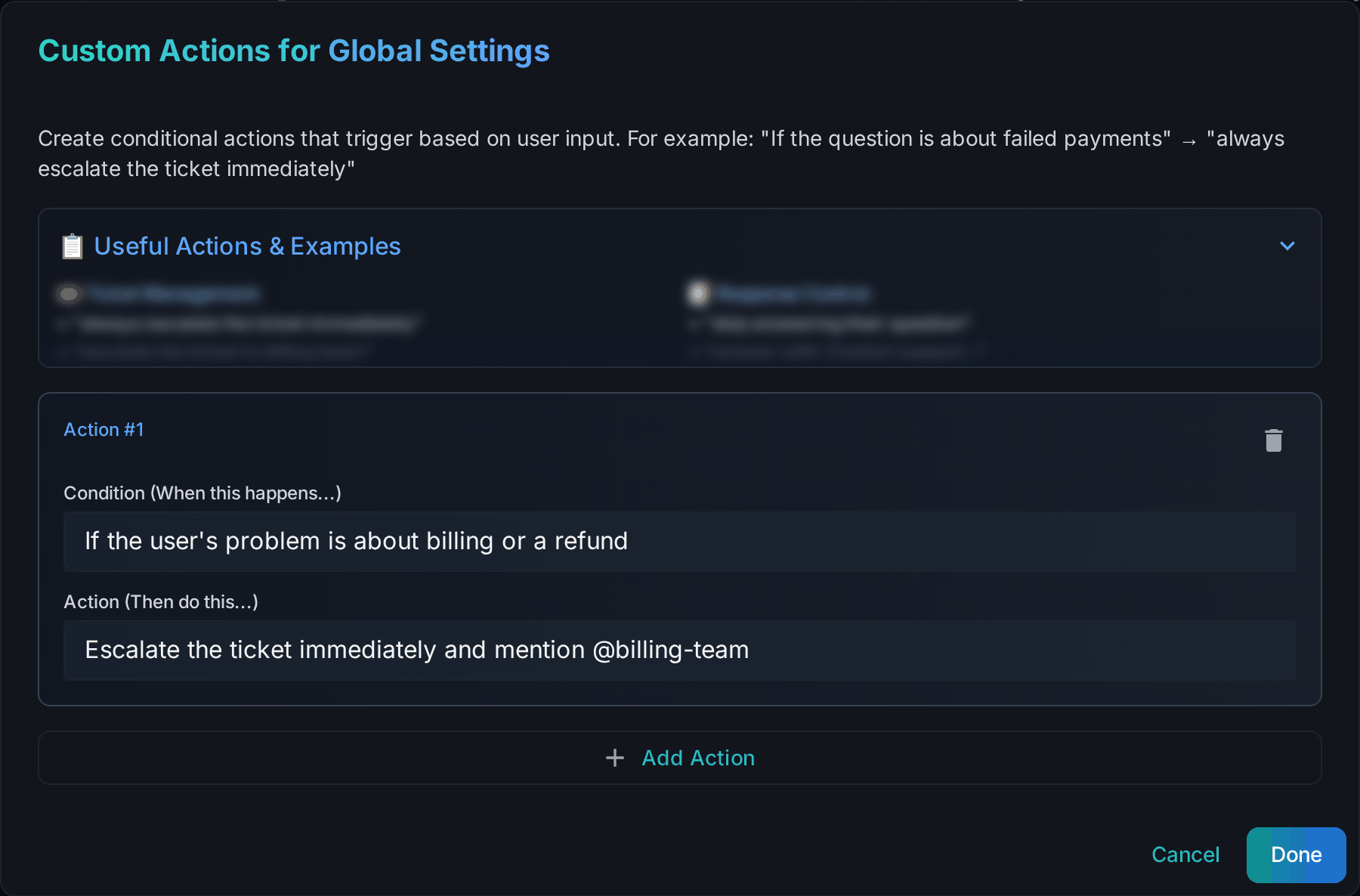
Custom actions are simple if this, then that rules. Where custom instructions shape how Wallu writes, custom actions tell it what to do in a specific situation - and they take priority over your other instructions.
Each action has two parts:
| Field | What to write | Example |
|---|---|---|
| Condition | A full sentence describing when the rule applies | "If the user's problem is about billing or a refund" |
| Action | What Wallu should do when it matches | "Escalate the ticket immediately and mention @billing-team" |
Where to set them
- Globally - Settings → Configure Global Custom Actions (in the Custom Instructions card). Applies everywhere.
- Per channel or category - Channels → the Custom Actions button on that row (override the channel's settings first). Applies in that channel or category.
Global and channel actions both apply, so keep global rules general and use channel actions for the specifics of a ticket category.
Good examples
IF the user says they were scammed or hacked
THEN do not attempt to answer, escalate to staff and mention @Moderators

IF the user asks about pricing or invoices
THEN answer from documentation and always link https://example.com/pricing

IF the user writes in a language other than English
THEN answer in their language and add a short English summary at the end

IF the user asks to speak to a human
THEN escalate immediately without trying to answer first
Tips
- Write conditions as full sentences. "If the user's issue is about billing" works much better than "billing".
- One rule, one situation. Several small rules beat one long paragraph. You can have up to 15 actions in a list, and the condition and action are capped at 1000 characters each (why).
- Escalation is the most valuable use. Sending the sensitive cases (payments, bans, security) straight to staff is usually worth more than any wording tweak.
- Don't put knowledge in a rule. Facts belong in documents or FAQs; actions decide behavior.
- Test it by asking a matching question in Discord after saving.
Role mentions
Mentioning a role in an action (@Moderators or <@&123...>) is also what authorizes Wallu to ping that role. A role that appears only in a channel's actions can only be pinged in that channel; global actions and global instructions allow it everywhere. Roles that appear nowhere in your instructions or actions are written as plain text without pinging anyone - so users can't talk Wallu into mass-pinging your staff. See Custom Instructions for details.