Using Your Own Discord Bot
The custom bot feature lets Wallu run under your Discord application - your own name, avatar and branding - while Wallu's AI does the work behind the scenes. It's our main premium feature: great for white-labeling, matching your brand, or replacing a bot your community already knows.
Pre-requisites
This requires at least the Custom Bot plan. There are two separate options - pick one:
| Option A - Custom avatar only | Option B - Your own bot token | |
|---|---|---|
| What changes | Wallu's avatar on your server | A fully separate bot with your own name, avatar and presence status |
| Setup | Upload an image on the panel | Create a Discord app, enable intents, paste the token, invite the bot |
| Discord Developer Portal | Not needed | Required |
| Bot token | Not needed | Required |
If you just want branded artwork, use Option A and skip the rest of this guide. If you want a fully white-labeled bot with its own name and status (per-server statuses aren't supported by Discord, so a custom status requires your own token), use Option B.
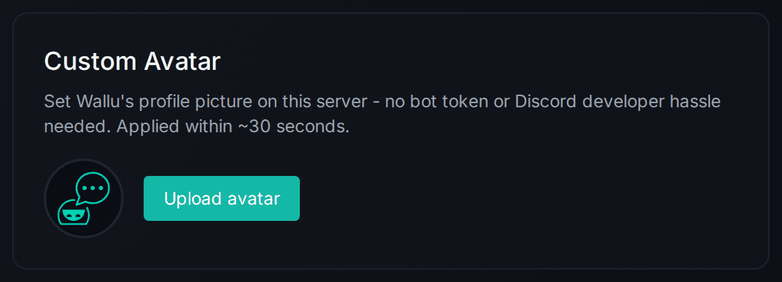
On the Custom Bot page, use the Custom Avatar section to upload a profile picture. Wallu's picture on your server updates within ~30 seconds. No bot token or Discord developer setup needed - you can skip the rest of this guide.
Create a new custom bot
-
Create a new bot here: https://discord.com/developers/applications
-
Choose a name, upload the avatar for the bot, type a description

-
Navigate to “Bot” page.
-
Enable “Message content intent” in the “bot” page so the bot will be able to see user's message content (the questions they ask)

-
Copy the bot token from the “Bot” page. The token should never be shared to others as it’s the password/secret for the bot. Enter the bot token here: https://panel.wallubot.com/custom-bot in the “bot token” field. Wallu will use this token to connect to your bot.

Note: do not enable "public bot" (unless you really know what you're doing)
Each server needs its own bot - a bot token that is already the custom bot of another server can't be added again.
Invite your custom bot to your server:
After entering your bot token on the Custom Bot page. Simply click the "Invite Bot" button that appears.
Manual invite link creation (if needed)
NOTE: Just use the invite button.
If you need to create the invite link manually:
-
Copy the "Client ID" from the "OAuth2" page (https://discord.com/developers/applications/ -> Application -> OAuth2). It should look like
973282202894872696. -
Add the CLIENT_ID without
<>to form the invite link:
https://discord.com/api/oauth2/authorize?client_id=<CLIENT_ID>&permissions=274878024769&scope=bot -
Open the link in your browser to add the bot to your server
- When your custom bot is online, the "normal Wallu" bot automatically stays silent (within ~10 minutes) and lets your custom bot do the answering - no duplicate answers. You can keep both bots on your server (or kick the "normal Wallu" bot if you prefer).
- Test the bot can read messages with
!wallu. If not, check the step #4.
That should be all on your part. Your bot should be running soon. You can still access the same panel: https://panel.wallubot.com/