Editing Wallu's Messages
Answers are generated, but everything around them is fixed text you own: the escalation notice, the AI disclaimer, the "I couldn't find that" replies. All of it is editable on the Messages page.
What you can edit
| Group | When it's used |
|---|---|
| No documentation found | Wallu was asked something your knowledge doesn't cover. Four variants, picked at random. |
| Not authorized to answer | Wallu was mentioned about something your knowledge doesn't cover while the off-topic guardrail is on. Five variants, picked at random. Also holds the "outside working hours" message. |
| Bot answered (other) | The AI disclaimer, the Verified✓ tag on exact FAQ answers, the "deleted by the user" note, the DM reply, and the message blocked users get. |
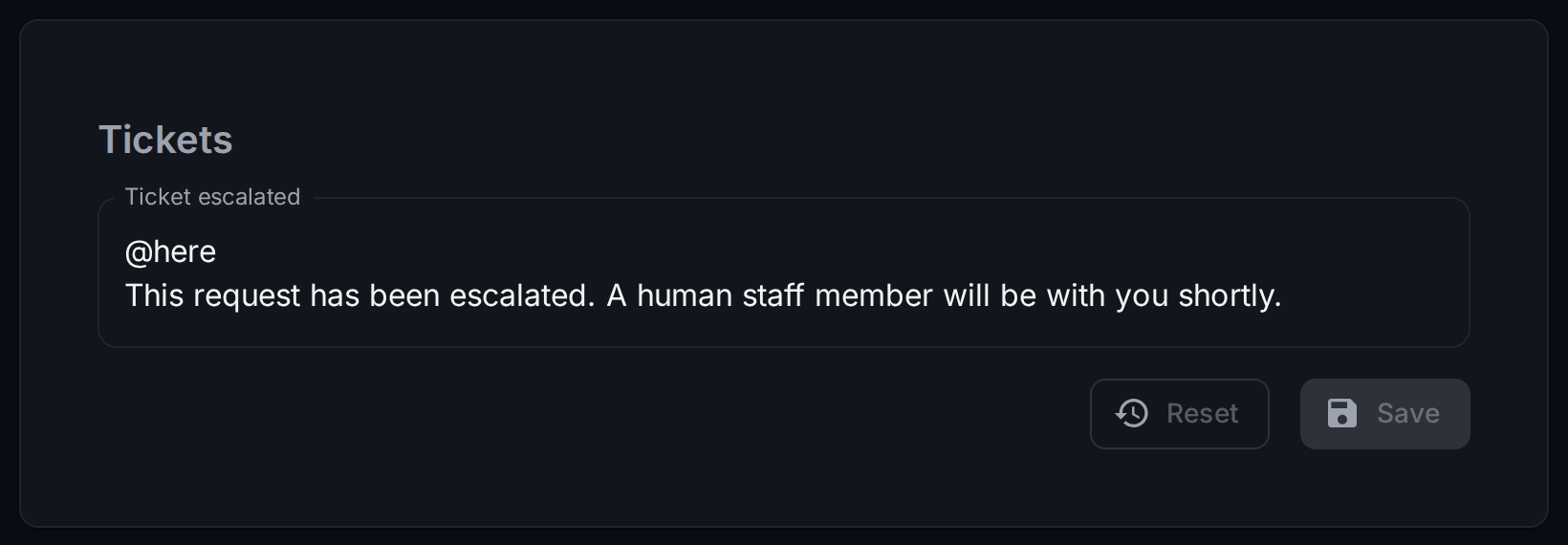
| Tickets | The escalation message posted when a ticket is handed to staff. |
| Message additional information | The Sources: prefix in front of source links. |
| User votes bot answer | Optional thank-you after someone votes 👍/👎 (empty by default). |
| Answer sent to destination channel | The note left behind when answers go to a separate channel. Use {answer_jump_url} for the link. |
| Rate limit / Message too long | Shown when a user hits a per-channel reply limit or sends a message over the length limit. |
Other languages
The default language set is what Wallu uses everywhere. Add another language and Wallu picks it automatically when the user writes in that language, falling back to the default for anything you leave untranslated. You only need to translate the messages you care about.
Note that this is only for these fixed messages - actual answers are already written in the user's language, see Multilingual Support.
Turning a message off
Some messages can be saved empty to disable them - most usefully:
- the "I couldn't find an answer" and "not authorized" replies, if you'd rather Wallu stayed silent than said it can't help
- the AI disclaimer and the vote follow-ups
- the ticket escalation message, if your staff prefer to get only the ping and summary
Others must not be empty (an empty message is a failed send to Discord), and the panel won't let you save those.
If you rewrite or remove the disclaimer, make sure it's still clear to users that they're talking to an AI. In the EU that's a legal requirement (AI Act art. 50), and it's good practice everywhere.
Tips
-
Escalation is the message worth spending time on. Mention the right staff role, and say what will happen next and how long it usually takes.
-
Point somewhere useful in the "no documentation" messages - your ticket channel, your docs site.
-
Keep them short. These messages appear a lot.
-
A role you mention here is really pinged, so use one your staff actually watch.
@everyone/@hereonly ping from the ticket escalation message (the default escalation text uses@here).