Data, Files & Bulk Tools
The Other Settings page collects the things you need occasionally: moving a setup between servers, bulk edits, files, retention and the audit log.
Export & import
Export & Import & Nuke downloads a JSON file with your FAQs, settings, documents and custom bot configuration (never the bot token). Use it as a backup, or to copy a working setup to another server.
Importing overwrites the target server's data, so it asks twice. Channel IDs and role IDs are server-specific: when importing into a different server, Wallu asks you to match the old channels to the new ones, but references to roles inside instructions or documents need fixing by hand.
The same page has a Danger Zone that permanently deletes all of the server's knowledge and setup - FAQs, documents, settings, files, integrations and the like. History such as statistics and recorded questions, your plan and your custom bot are kept. There's no undo, so export first.
File attachments
Wallu can send images and files with its answers - an annotated screenshot showing where a setting is, a PDF form, a diagram.
- Upload on the File Attachments tab (or just drop a file anywhere in the panel).
- Copy its tag:
<attachment id="..." alt="file.png"> - Paste the tag into an FAQ answer, a document or your instructions.
Wallu attaches the file when the answer is actually relevant. Write a descriptive alt text - that's what tells the AI what the file shows and when to use it. Use Update to replace a file's content while keeping the same tag, so every FAQ referencing it stays correct.
Import FAQs in bulk
Import FAQs takes a block of pasted documentation (your old FAQ page, a Google Doc, a help center article) and turns it into individual FAQs automatically. It doesn't follow links, so paste the actual text. The import uses credits, and your plan's FAQ limit still applies.
Mass Edit FAQs edits many FAQs at once - handy for a find-and-replace after a rename or a price change.
For documents, the same bulk work can be done through the API or MCP server.
Message retention
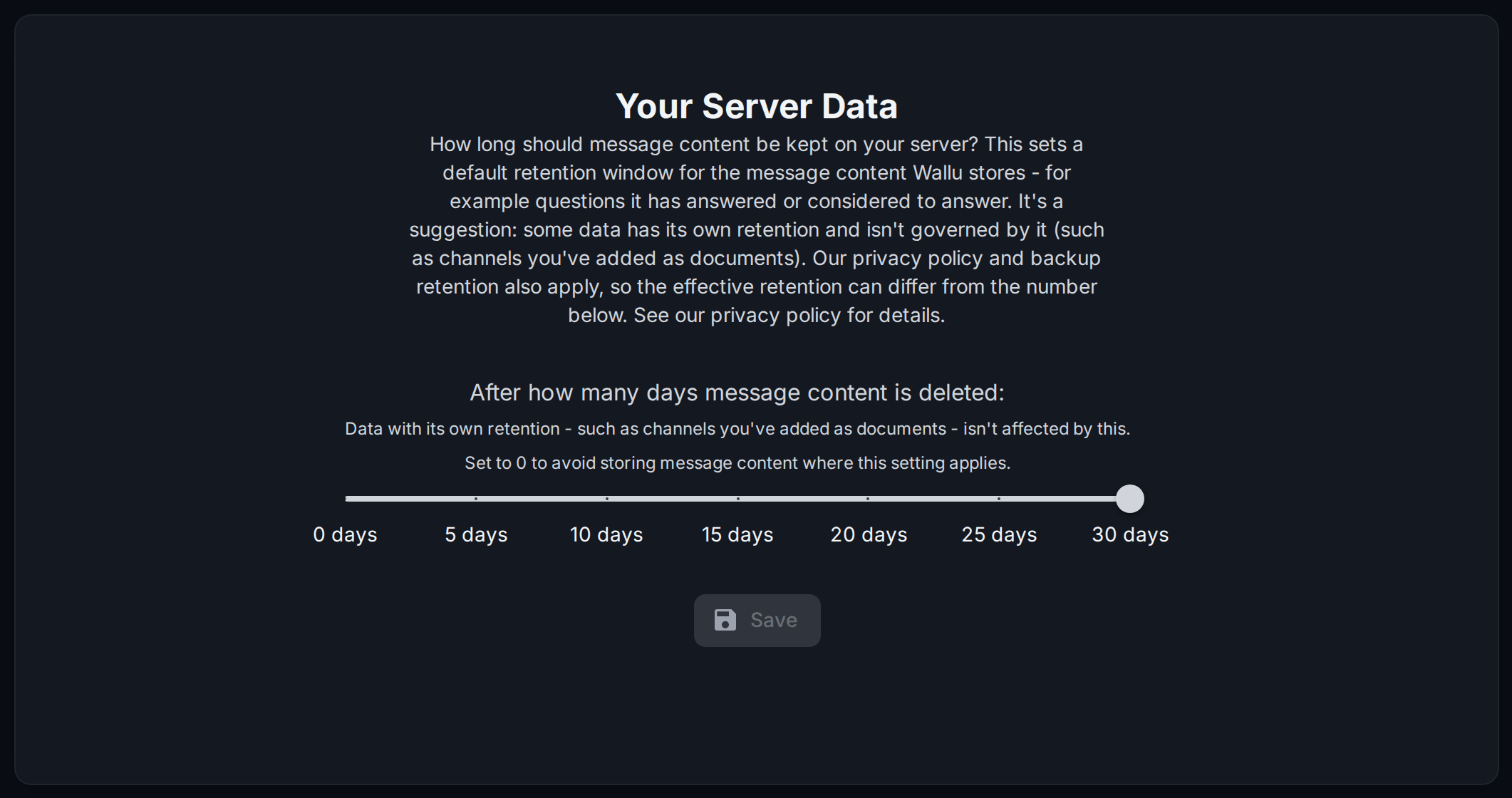
Message Retention sets how long Wallu keeps the message content it stores to improve answers (questions it answered or considered, insights). Anything from 0 to 30 days; 0 means it stores none of it.
Content with its own retention rules - channels you imported as documents, for example - isn't covered by this setting, and our privacy policy and backup retention apply on top.
Audit log
Audit Logs show who changed what and when: settings, FAQs, documents, integrations. Useful for a server with several admins, or for working out why the bot's behavior changed last Tuesday. Changes made by the Setup Agent and the MCP server show up here too, and secrets like tokens and API keys are redacted.