Setup Agent
The Setup Agent lets you configure Wallu by chatting in Discord, so you don't have to switch back and forth with the dashboard. When Wallu has the Manage Channels permission, it creates a private, staff-only #wallu-setup channel on join. Just talk to it there.
No #wallu-setup channel? Admins can also reach the same assistant with the /wallu-help command - it works without any bot permissions and every change asks for your approval first.
The Setup Agent is in beta and handles the most common tasks. Some advanced settings still live in the admin panel, and it will point you there when needed.
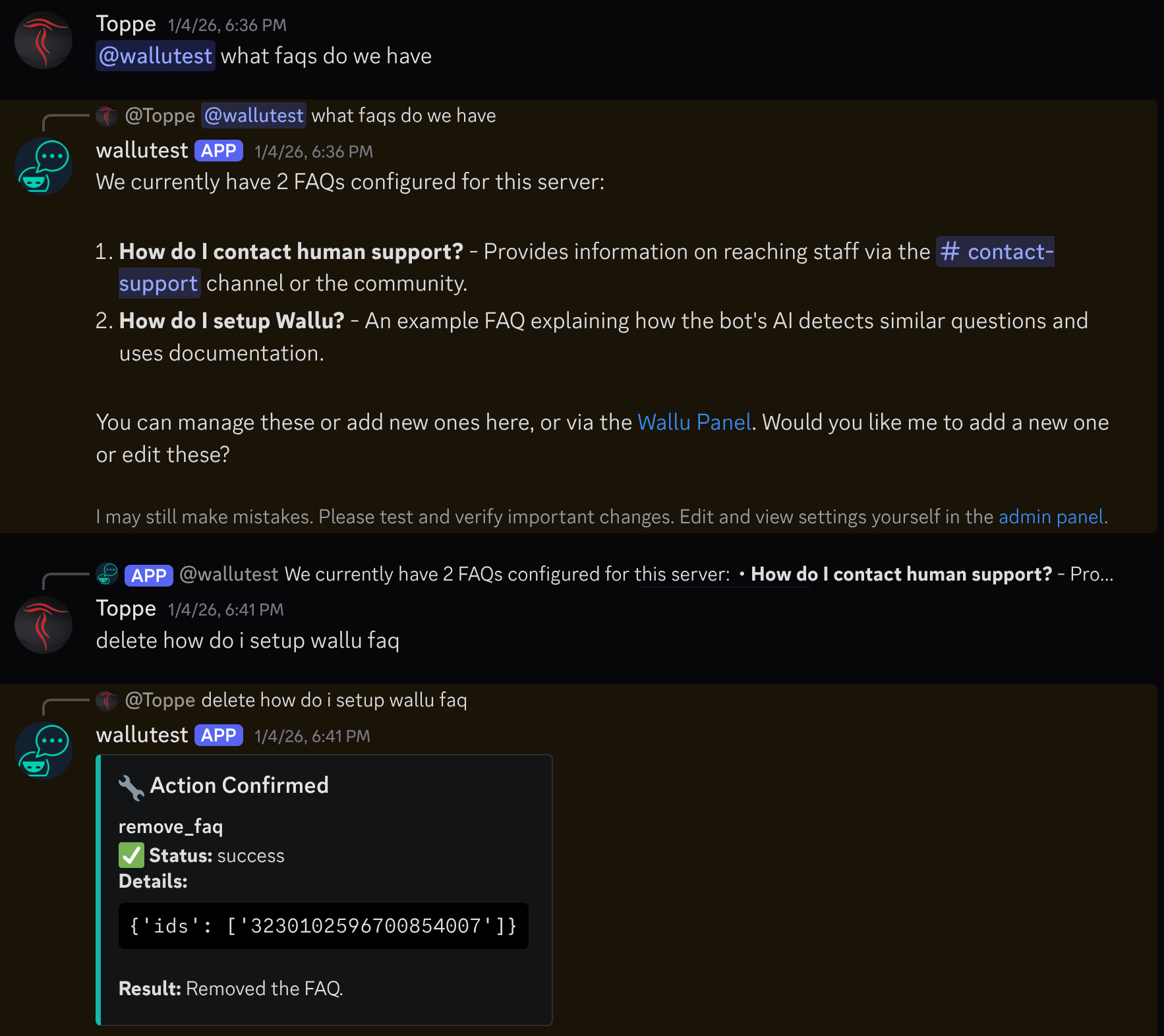
What you can ask it
- Import knowledge: "Import the #rules and #faq channels as documentation."
- Manage FAQs: "Add an FAQ: How do I get a refund? Answer: open a ticket in #billing."
- Change settings: "Only answer when mentioned" or "Don't reply to staff."
- Troubleshoot: "Why isn't Wallu answering in #general?" - it checks your config and explains.
Safety
- Staff-only: the #wallu-setup channel is private to authorized staff.
- Terms first: before your first change, the agent asks you to accept our terms of service and privacy policy - the same acceptance as in the admin panel, so you only do it once.
- You choose what we get: the same card explains that anything you ask the agent to import - a channel, a website, a file - is stored as knowledge for your server and used to answer questions there. Point it at what you're happy to share, and ask it to remove anything you change your mind about.
- Confirmations: sensitive changes (e.g. disabling documents) ask for approval first - the approval card shows in plain language what will change, including a before/after diff for edits.
- Transparent: the agent explains what it's changing and why, and after you approve it confirms the result.
Don't have the channel?
You either didn't grant Manage Channels, or the channel was deleted. The quickest fix: just use the /wallu-help command - it talks to the same assistant and needs no channel at all. Alternatively, re-invite Wallu with full permissions or create a channel named #wallu-setup yourself. You can always configure everything in the admin panel instead.